Maker Faire Bay Area 2026 · Sep 25-27 · Mare Island, Vallejo, CA
DINO EGG Catch Challenge
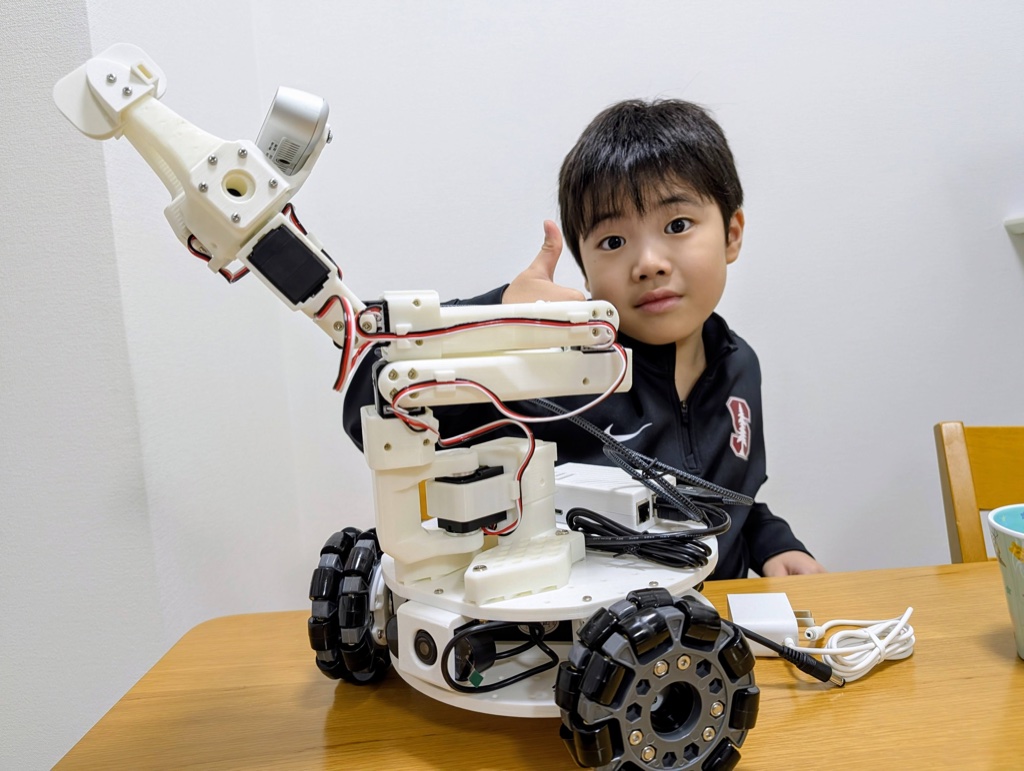
Drive a dinosaur robot, catch an egg with its mouth, and take home a prize. A project by Kanata the Kid Creator and his dad, built from open-source robots and a lot of 3D printing.
Did you win a Kachi Button?
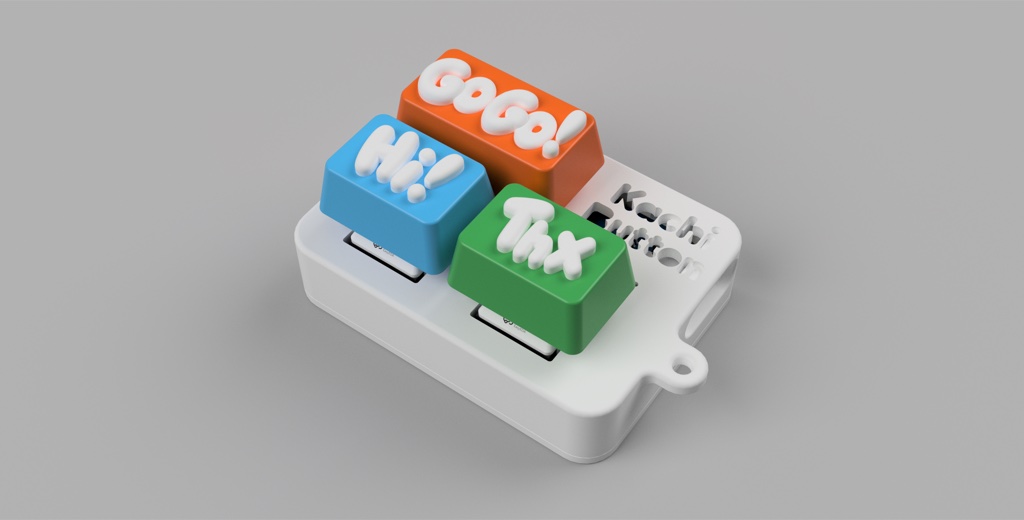
Kachi Button is an open-source programmable keychain keyboard: three mechanical keys, a USB-C port, and nothing else. No batteries, no drivers, no app. Click it for fun, then plug it into a computer and each key types a phrase for real. "Kachi" is the Japanese sound of a click.
Out of the box
- Go Go!top key
- Hi!lower left
- Thxlower right
Make it yours
- 1Plug it into a computer with a USB-C data cable.
- 2Open kachibutton.com in Chrome or Edge and click Connect USB.
- 3Type your own phrase for each key (up to 32 characters) and save. It stays on the keychain after you unplug.
Works as a normal keyboard on Windows, macOS and Linux.
The same button drives the dinosaur
At the booth, two Kachi Buttons plugged into the exhibit Mac are the robot's control panel. Go Go! switches modes, Hi! starts Auto Catch, Thx starts Auto Release, and a second unit is the big STOP button.
The other prize: a dino NFC keychain
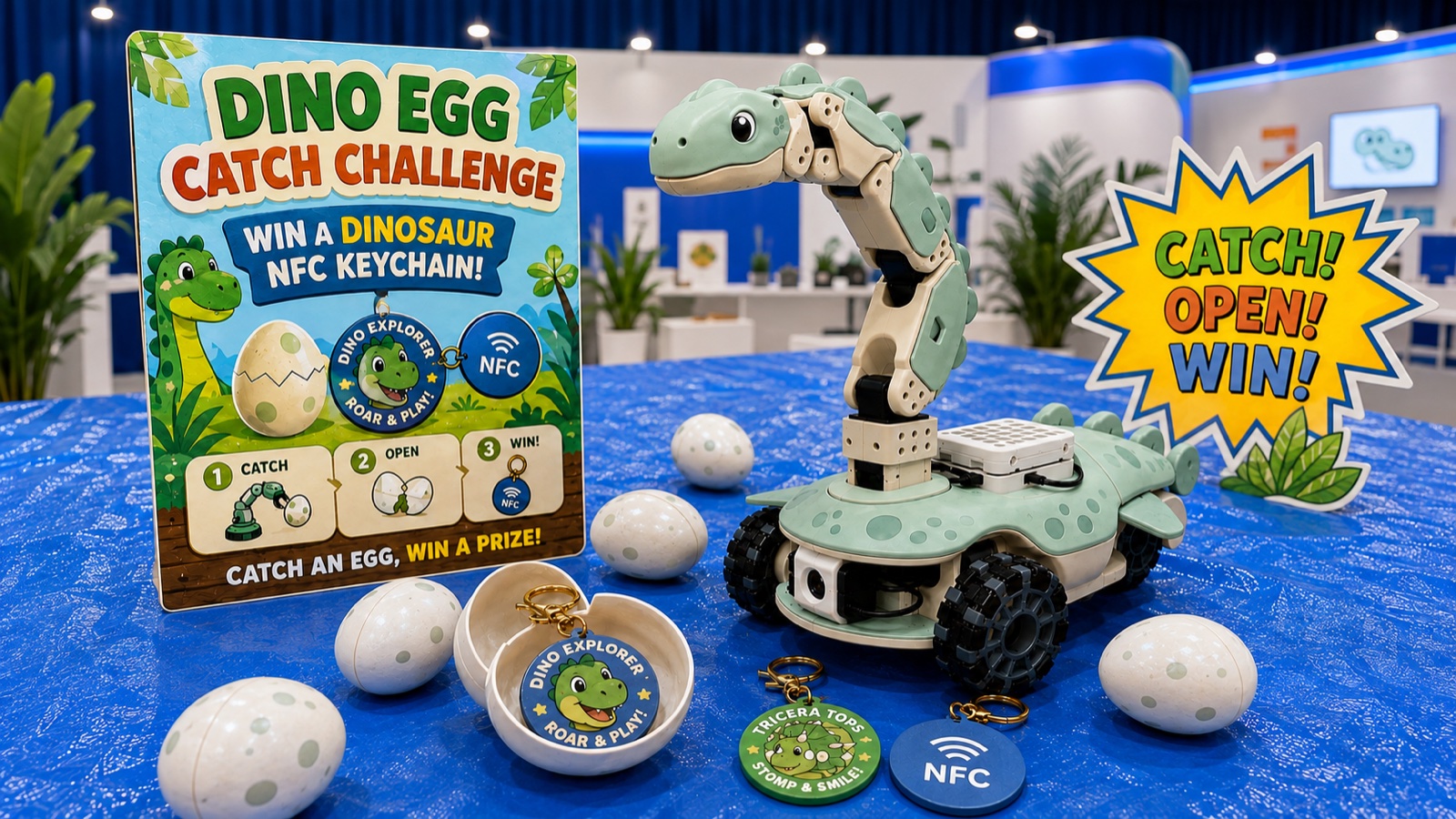
Some eggs hold an original dinosaur keychain with an NFC tag inside instead of a Kachi Button. Four dinos were designed for the challenge.
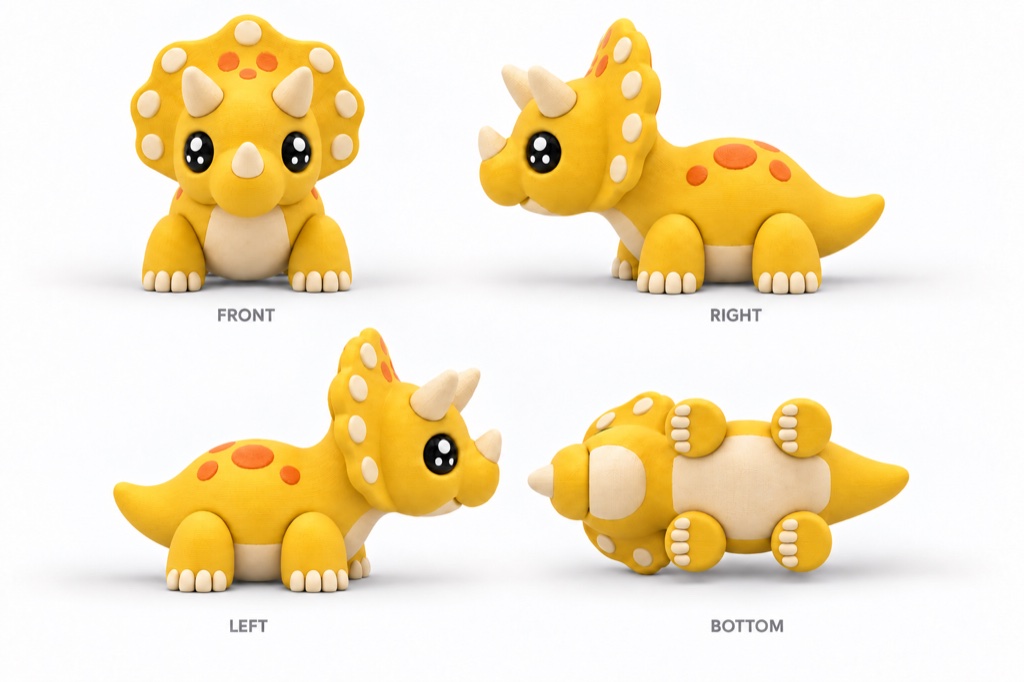 Triceratops
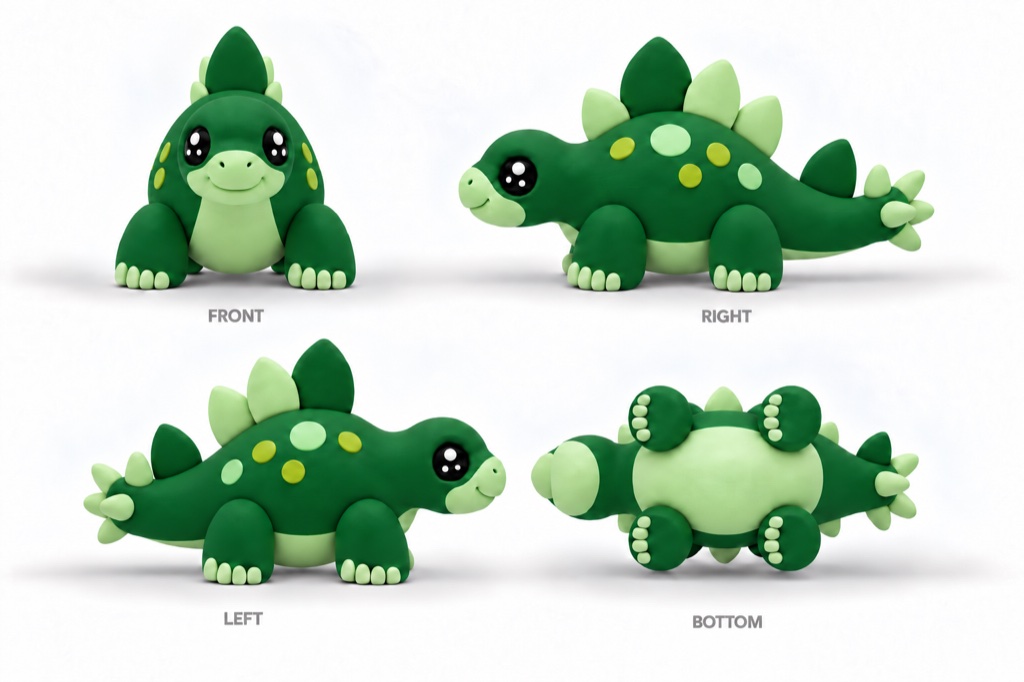 Stegosaurus
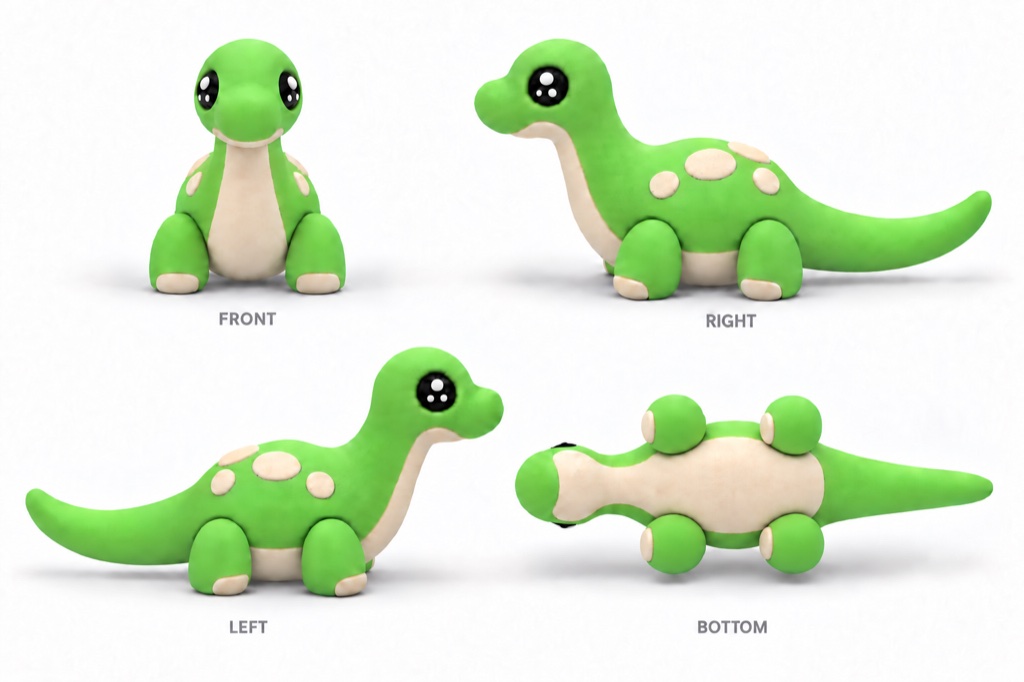 Brachiosaurus
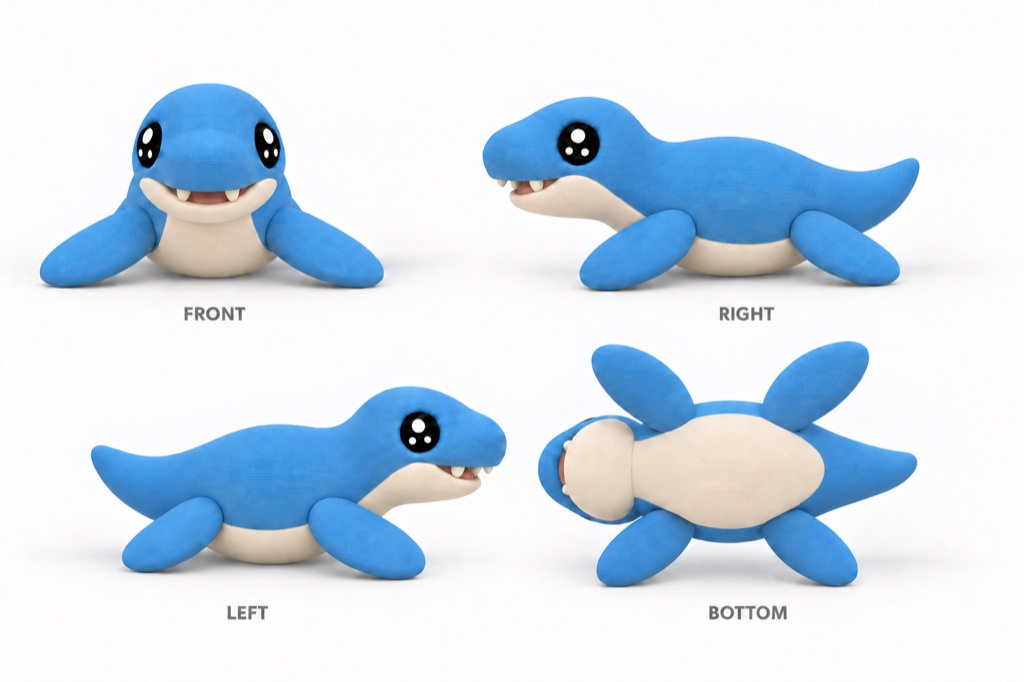 Mosasaur
How to play
Step 1
Catch!
Drive the dino up to an egg with the controller and grab it with its mouth - or press Hi! and let the robot line up and catch it by itself.
Step 2
Open!
Bring the egg back to the pink basket (Thx does this automatically), then crack your egg open.
Step 3
Win!
Inside is a Kachi Button or a dino NFC keychain. It's yours to keep!
Ways to control the dino
Manual Mode
A joystick-and-dial controller drives the base while a leader arm you move by hand puppets the neck and mouth. One person can do either; two people can do both at once.
Auto Catch (press Hi!)
The front camera finds the egg and the base lines itself up. Then an AI policy, trained from demonstrations recorded with the leader arm, takes over on the wrist camera and grabs the egg.
Auto Release (press Thx)
The dino finds the pink basket, drives up to it and plays back a recorded motion to drop the egg in.
Full Self-Catching (staff demo)
Say "catch the green egg". Gemini Robotics picks the egg on the overhead camera, you confirm by voice, and the dino drives, catches and returns on its own. Still in development - ask at the booth!
Under the shell
- Robot: An open-source LeKiwi mobile base with an SO-ARM101 arm, driven with LeRobot.
- Dinosaur shell: 3D-printed head, jaws and neck covers designed in Fusion to fit around the original arm, so the gripper becomes the mouth.
- Controller: A hand-built ESP32 controller with a joystick, a rotary dial and RGB lights, programmed in Arduino.
- Vision: A local detector spots the green-, red- and yellow-spotted eggs and the pink basket - no cloud needed.
- Egg-catching AI: An ACT policy trained on Google Colab from teleoperated demonstrations; the model is public on Hugging Face (CreatorKanata/act_dino_pick_egg).
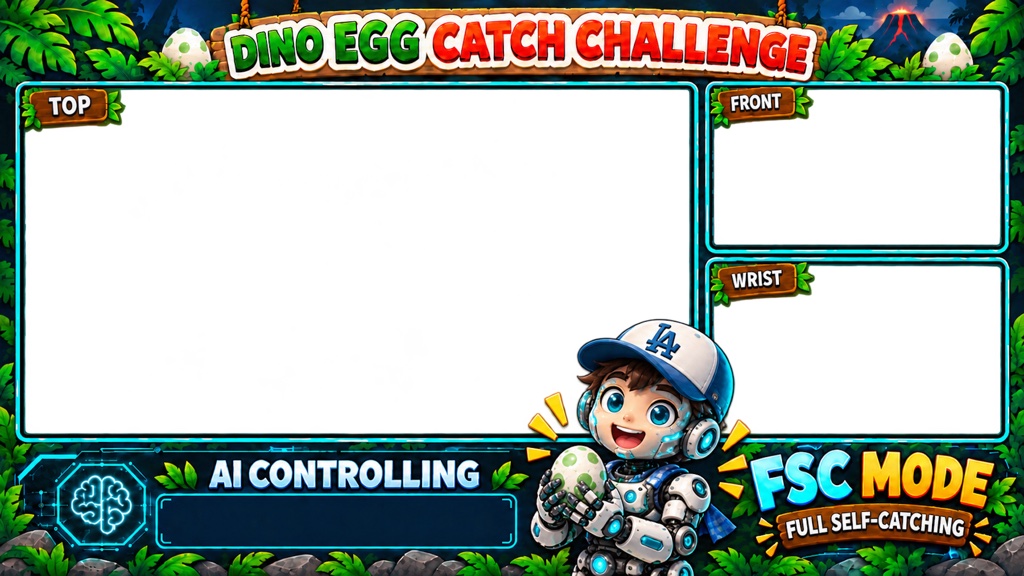
- Signboard: A big screen shows the overhead, front and wrist cameras and the current mode.
- Safety: Everything runs from AC adapters, the robot stays inside a low fence, and a Kachi Button is the emergency stop.